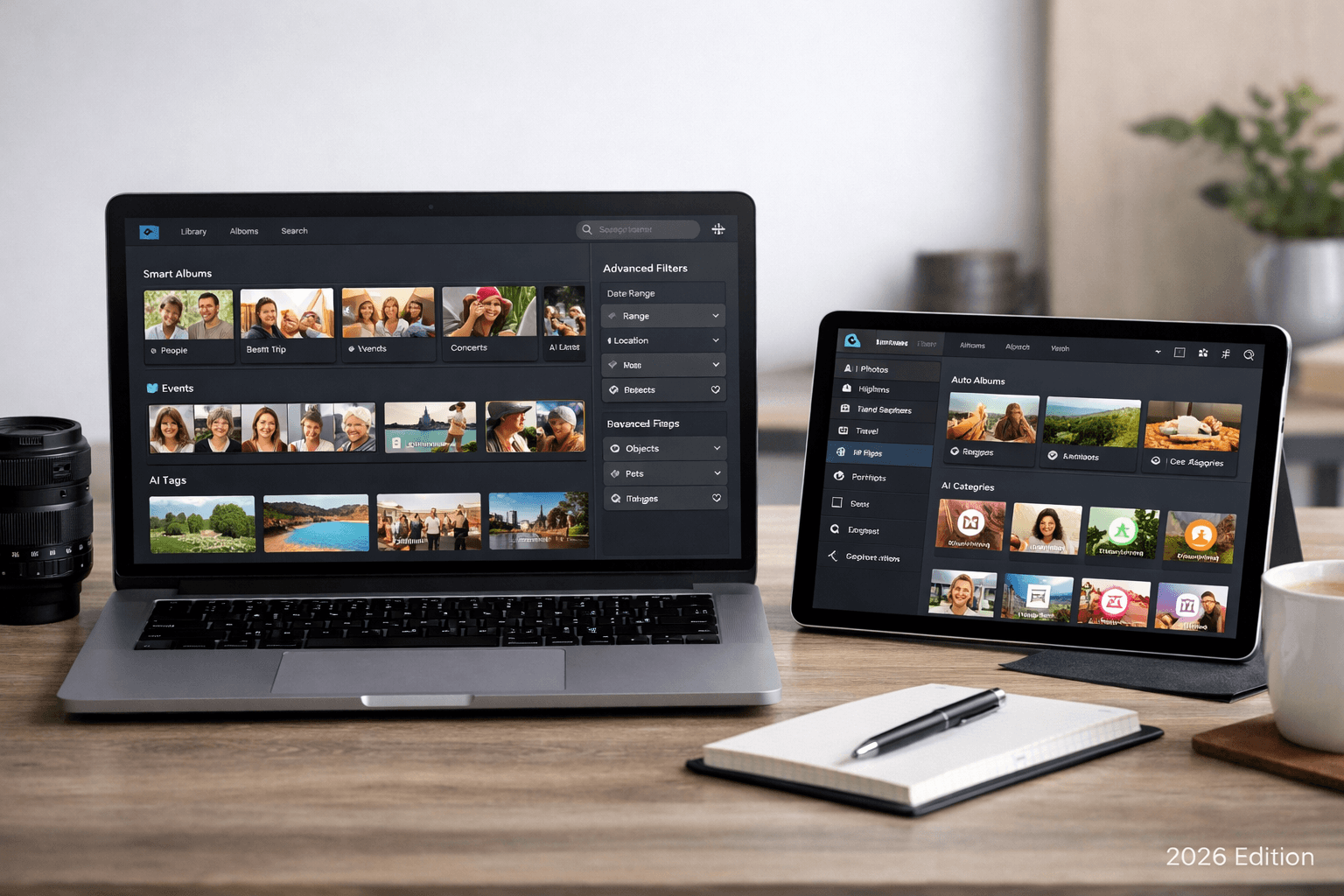
You have thousands of photos scattered across devices and cloud accounts. Finding a specific photo takes 10 minutes of frustrated scrolling. AI photo management software solves this by automatically organizing, tagging, and making every photo searchable in seconds.
The Hidden Cost of Unorganized Photos
Most people don't realize how much time they waste on photo management:
- Finding a specific photo: 5-15 minutes of scrolling per search
- Sharing event photos: 30-60 minutes to select and send the right photos
- Cleaning up storage: Hours spent deleting duplicates and bad shots
- After events: 2-10 hours organizing and distributing photos
Add it up and the average person spends 50-100 hours per year on photo-related tasks that AI can automate.
What AI Photo Management Can Do
Modern AI photo management goes far beyond simple folder sorting:
- Face recognition: Identify people across your entire library
- Object detection: Tag photos with content (beach, food, dog, car)
- Natural language search: Find photos by describing them ("sunset over the ocean")
- Duplicate detection: Find and remove identical or similar photos
- Auto-categorization: Group photos by event, location, or theme
- Quality assessment: Identify blurry, overexposed, or poorly composed shots
- Person-based organization: Create folders per person for sharing
Best AI Photo Management Software Compared
1. Google Photos (Best All-Around Free Option)
Google Photos remains the most feature-rich free photo management platform.
- AI features: Face recognition, object detection, natural language search, memories
- Search quality: Industry-leading (search "dog at the park" and it works)
- Storage: 15GB free, from $1.99/month for more
- Platforms: iOS, Android, Web
Limitation
Google Photos is excellent for searching and browsing but can't export organized folders by person. If you need to share event photos organized by who appears in them, you need a different tool.
2. Apple Photos (Best for Privacy)
- AI features: On-device face recognition, visual search, memories
- Privacy: All AI processing happens on your device (nothing uploaded to Apple)
- Storage: Free with Apple devices, iCloud from $0.99/month
- Limitation: Apple ecosystem only, no organized export by person
3. PhotoMind (Best for Event Photo Organization)
- AI features: Face detection and matching, person-based folder creation
- Unique feature: Creates downloadable ZIP folders organized per person
- Privacy: 24-hour auto-delete, no facial data stored
- Storage: No permanent storage (process and download)
- Pricing: Free (100 photos), from $12.99/month
- Best for: Wedding/event photos, photographer delivery, family sharing
When to use PhotoMind
Use PhotoMind when you have event photos (wedding, reunion, party) and need to share organized folders with different people. It's not a library manager - it's a purpose-built tool for the "organize and share" workflow.
4. Adobe Lightroom (Best for Professionals)
- AI features: Face recognition, AI-powered search, auto-tagging, content-aware editing
- DAM capabilities: Full digital asset management with catalogs, collections, smart collections
- Editing: Industry-standard photo editing tools
- Pricing: $9.99/month (Photography Plan)
- Best for: Professional photographers managing large libraries
5. Immich (Best Self-Hosted)
- AI features: Face recognition, CLIP-based natural language search, object detection
- Privacy: Runs entirely on your own hardware
- Price: Free (open-source, you provide the hardware)
- Setup: Requires Docker and basic server knowledge
- Best for: Tech-savvy users who want Google Photos features without Google
6. Amazon Photos (Best for Prime Members)
- AI features: Face recognition, object search, location search
- Storage: Unlimited photos for Prime members
- Pricing: Included with Amazon Prime ($14.99/month)
- Limitation: AI features less advanced than Google Photos
7. digiKam (Best Free Desktop Option)
- AI features: Face recognition, duplicate detection, similarity search
- Privacy: All processing local, no cloud required
- Price: Free (open-source)
- Platforms: Windows, Mac, Linux
- Best for: Users who want powerful features without subscriptions or cloud
Side-by-Side Comparison
| Tool | Face AI | Text Search | Export by Person | Privacy | Price |
|---|---|---|---|---|---|
| Google Photos | Excellent | Best | No | Cloud stored | Free/paid |
| Apple Photos | Good | Good | No | On-device | Free |
| PhotoMind | Great | N/A | ZIP folders | 24h delete | Free/paid |
| Lightroom | Basic | Keywords | No | Local/cloud | $9.99/mo |
| Immich | Great | CLIP | No | Self-hosted | Free |
| digiKam | Good | Tags | No | Local | Free |
Which Tool Should You Use?
For Daily Photo Management
Use Google Photos (best search) or Apple Photos (best privacy). These handle the everyday need of finding and browsing your photos.
For Sharing Event Photos
Use PhotoMind when you need to organize photos from a specific event by person and share individual folders. It complements your main photo library.
For Professional Photography
Use Lightroom for editing and catalog management + PhotoMindfor client delivery organized by person.
For Maximum Privacy
Use Immich (self-hosted Google Photos alternative) or digiKam(desktop-only, no cloud needed). All processing happens on your hardware.
How to Stop Wasting Time Searching for Photos
Regardless of which tool you choose, follow these habits to spend less time searching:
- Name your faces: Spend 5 minutes naming face groups in your photo app. This makes person search instant.
- Organize after events: Spend 15 minutes sorting event photos while they're fresh. Don't let them pile up.
- Use search, not scrolling: Type what you're looking for instead of scrolling through thousands of photos.
- Delete bad photos immediately: Blurry shots and accidental screenshots just create noise.
- Pick one primary tool: Don't split your library across 5 platforms. Consolidate.
Conclusion
AI photo management has matured to the point where you should never need to manually scroll through thousands of photos. The right combination of tools can automate organization, make everything searchable, and save you dozens of hours per year.
Start with your platform's built-in AI (Google or Apple), add a specialized tool for event photo organization when needed, and build the habit of organizing as you go.
Organize Event Photos in Minutes
AI face recognition. Organized folders per person. 24-hour auto-delete. Free for 100 photos.
Try PhotoMind FreeTry PhotoMind Free
Organize your event photos by person in 10 minutes. Free tier: 100 photos, 3 reference faces. No credit card required.
Get Started FreeRelated Articles
How to Organize Wedding Photos by Person in 2026
Face Recognition Software: Privacy & Security Best Practices
Wedding Photographers: How to Deliver Photos Faster to Clients
Best AI Photo Organizer Tools in 2026: Complete Comparison
How to Share Wedding Photos with Guests: Complete Guide
How to Organize Family Reunion Photos by Person
Bulk Photo Sorting: 5 Ways to Organize Hundreds of Photos Fast
Google Photos Face Recognition: Limitations & Better Alternatives
How to Organize Thousands of Photos Automatically
Best Way to Sort Photos on iPhone: Albums, Faces & AI
How to Find and Remove Duplicate Photos Automatically
How to Tag and Search Photos with AI: Text Search, Face Tags & More
How to Organize Family Photos Digitally (Before They're Lost)
How Professional Photographers Manage Large Photo Libraries
Found this helpful? Read more articles