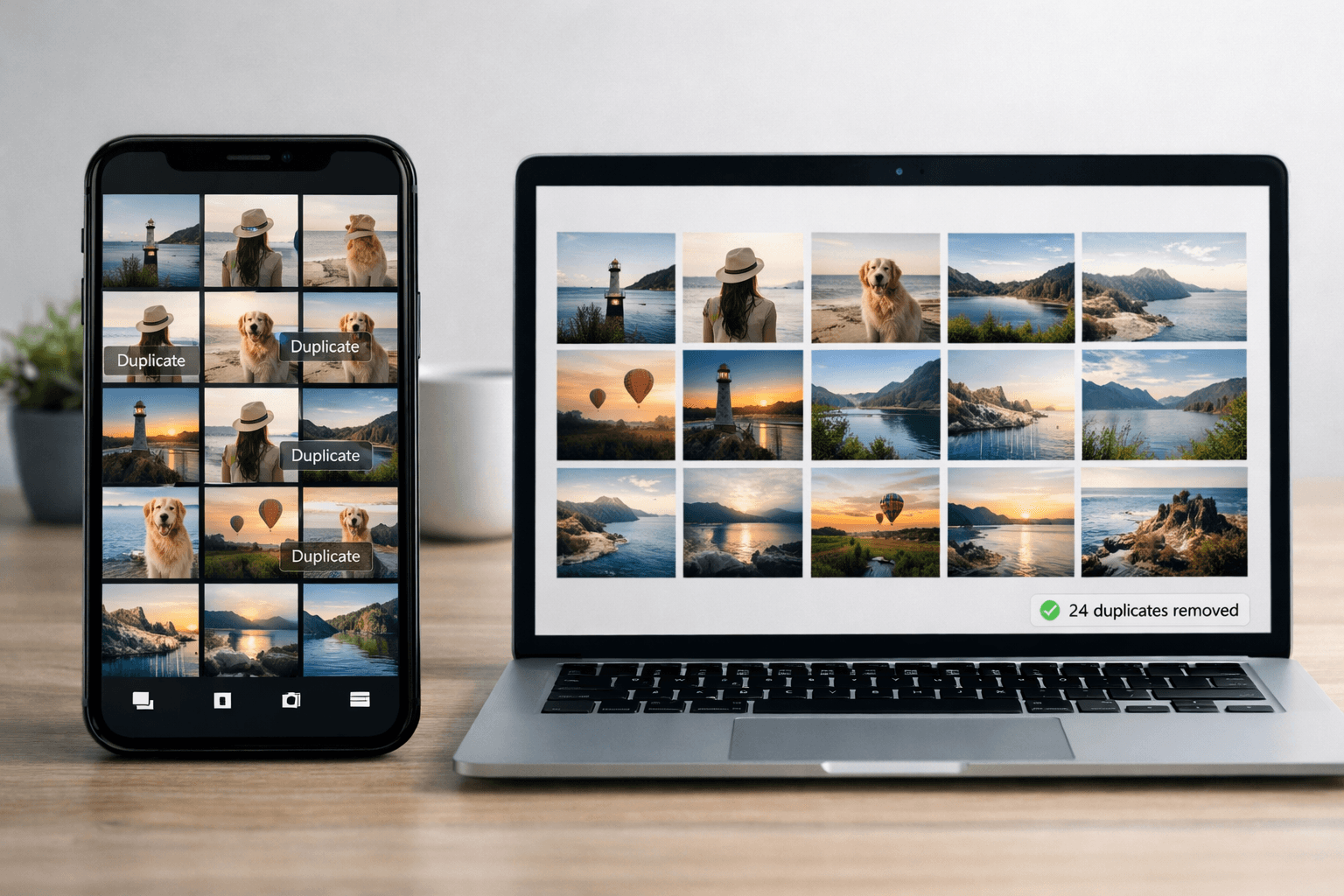
Duplicate photos waste storage, clutter your library, and make finding the right photo harder. Studies show that 20-40% of most photo libraries are duplicates. Here's how to find and remove them automatically on any device.
Why You Have So Many Duplicate Photos
Duplicates accumulate for several common reasons:
- Burst mode: Your phone takes 10-50 nearly identical shots in seconds
- Multiple backups: Copying photos to different folders or drives creates duplicates
- Chat and social: Saving photos from WhatsApp, Instagram, and messages
- Cloud sync overlap: iCloud + Google Photos + local copies of the same photos
- Import from camera: Importing the same SD card photos more than once
- Screenshots: Multiple screenshots of the same thing
Types of Duplicates
Not all duplicates are the same. Understanding the types helps choose the right tool:
Exact Duplicates
Identical files (same content, same resolution, same file size). These are safe to delete because they're truly the same file.
Near-Duplicates
Visually similar but not identical: burst shots, slightly different angles, same scene with tiny differences. You typically want to keep the best one and delete the rest.
Resized Copies
Same photo in different resolutions (original + compressed WhatsApp version + thumbnail). Usually keep the highest quality version.
Method 1: iPhone Built-In Duplicates Detection
iOS 16 and later includes automatic duplicate detection in the Photos app.
- Open Photos → Albums
- Scroll to Utilities → Duplicates
- Review detected pairs
- Tap "Merge" to keep the highest quality version
- Or tap "Merge All" to process everything at once
Key detail
When you "Merge", iOS keeps the highest quality version and any unique metadata from both copies. The duplicate goes to Recently Deleted (recoverable for 30 days).
Method 2: Mac - Built-In + Gemini
Photos App (Free)
If you use iCloud Photos, the Mac Photos app shows the same Duplicates utility as iPhone. Processing is faster on Mac due to more computing power.
Gemini 2 (Premium)
- Price: $19.99 (one-time purchase)
- Features: Scans any folder (not just Photos library), detects visual similarity
- Speed: Scans 10,000 photos in 5-10 minutes
- Best for: Cleaning up files across multiple folders and drives
Method 3: Windows - VisiPics & dupeGuru
VisiPics (Free)
- Compares images visually (not just file hash)
- Detects near-duplicates with adjustable similarity threshold
- Lightweight and fast
- Download from visipics.info
dupeGuru (Free, Cross-Platform)
- Works on Windows, Mac, and Linux
- Picture mode for visual comparison
- Customizable match thresholds
- Open-source
CCleaner (Free + Paid)
- Includes a duplicate file finder
- Hash-based comparison (exact duplicates only)
- Also cleans temporary files
Method 4: Google Photos Duplicates
Google Photos doesn't have a dedicated duplicate detection feature, but it does prevent uploading exact duplicates. For existing duplicates:
- Use the search bar to find similar photos and manually delete extras
- Third-party tools like "Duplicate Photos Fixer" can scan your Google Photos library
- Download your library via Google Takeout, scan locally, then re-upload
Method 5: Android Duplicate Removal
Files by Google (Free)
- Pre-installed on most Android phones
- Detects exact duplicate photos
- Also finds large files and unused apps
Remo Duplicate Photos Remover (Free)
- Visual comparison (catches near-duplicates)
- Scans internal storage and SD card
- Preview before deleting
Tool Comparison
| Tool | Platform | Price | Near-Dupes | Speed |
|---|---|---|---|---|
| iOS Built-In | iPhone/iPad | Free | Limited | Automatic |
| Gemini 2 | Mac | $19.99 | Excellent | Fast |
| VisiPics | Windows | Free | Good | Medium |
| dupeGuru | All platforms | Free | Good | Medium |
| Files by Google | Android | Free | Exact only | Fast |
How Much Space Can You Recover?
Based on typical photo libraries:
- 1,000 photos: Expect to find 200-400 duplicates, saving 1-3 GB
- 5,000 photos: Expect 1,000-2,000 duplicates, saving 5-15 GB
- 10,000+ photos: Expect 2,000-4,000 duplicates, saving 10-30 GB
Always preview before deleting
Even the best duplicate finders can flag photos that look similar but are different moments. Always preview flagged duplicates before bulk-deleting. Most tools let you review side-by-side.
After Removing Duplicates: Organize
Once duplicates are cleaned up, your photo library is in much better shape to organize. Consider these next steps:
- Sort by date: Create year/month folder structure
- Sort event photos by person: Use AI face recognition to create per-person folders
- Back up: Now that your library is clean, create a proper backup
Conclusion
Duplicate photos are one of the biggest sources of photo library clutter. Removing them is the single most impactful first step in organizing any photo collection.
Use the built-in tools on your device first (they're free and easy), then move to specialized tools if you need deeper near-duplicate detection.
After Cleanup, Organize by Person
Once duplicates are gone, organize event photos by person with AI. Free for 100 photos.
Try PhotoMind FreeTry PhotoMind Free
Organize your event photos by person in 10 minutes. Free tier: 100 photos, 3 reference faces. No credit card required.
Get Started FreeRelated Articles
How to Organize Wedding Photos by Person in 2026
Face Recognition Software: Privacy & Security Best Practices
Wedding Photographers: How to Deliver Photos Faster to Clients
Best AI Photo Organizer Tools in 2026: Complete Comparison
How to Share Wedding Photos with Guests: Complete Guide
How to Organize Family Reunion Photos by Person
Bulk Photo Sorting: 5 Ways to Organize Hundreds of Photos Fast
Google Photos Face Recognition: Limitations & Better Alternatives
How to Organize Thousands of Photos Automatically
Best Way to Sort Photos on iPhone: Albums, Faces & AI
How to Tag and Search Photos with AI: Text Search, Face Tags & More
How to Organize Family Photos Digitally (Before They're Lost)
How Professional Photographers Manage Large Photo Libraries
Best AI Photo Management Software: Stop Wasting Time Searching
Found this helpful? Read more articles