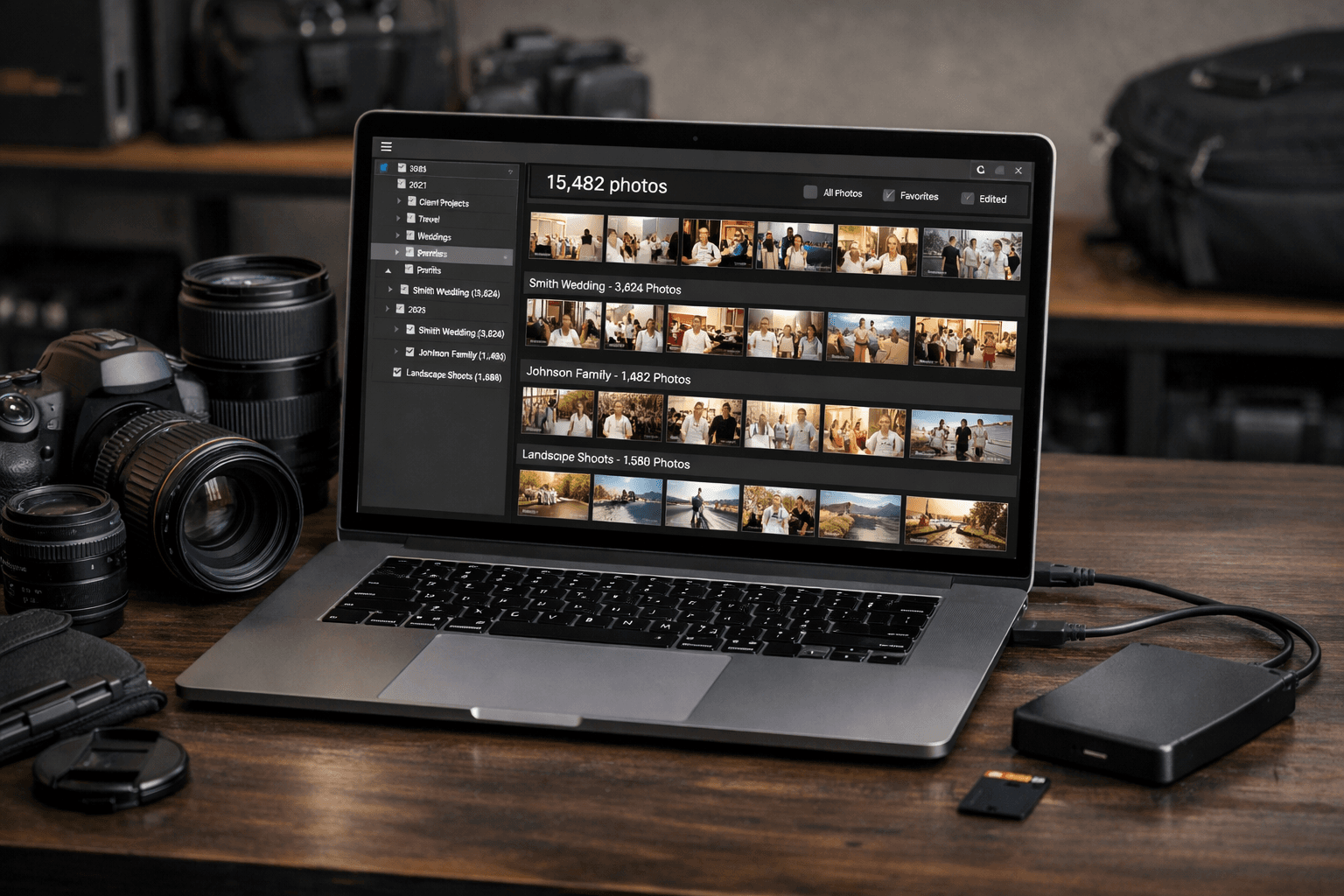
A working wedding photographer accumulates 50,000-100,000+ photos per year. Managing this volume without a system leads to chaos: lost client files, hours wasted searching, and the constant anxiety of "did I back that up?" Here's how the pros handle it.
The Scale of the Problem
Let's put the numbers in perspective. A typical wedding photographer:
- Shoots 2,000-4,000 photos per wedding
- Delivers 300-800 edited photos per client
- Shoots 25-40 events per year
- Accumulates 50,000-150,000 photos annually
- Needs to store files for 2-5 years (in case clients request re-edits)
- Total library: 2-10 TB of RAW files
Without a system, finding a specific photo from a wedding 18 months ago becomes a nightmare.
Pillar 1: Folder Structure
Every professional photographer starts with a consistent folder structure. The most common approach:
Date-Based Structure (Most Popular)
2026/2026-01-15_Wedding_Smith-Johnson/RAW/(original camera files)Selects/(culled best shots)Edited/(final exported images)Delivered/(what was sent to client)
2026-02-08_Portrait_Garcia/2026-03-20_Wedding_Park-Lee/
Why date-first naming works
Starting folder names with YYYY-MM-DD ensures they sort chronologically in any file manager. Adding the event type and client name makes folders scannable at a glance.
Pillar 2: Digital Asset Management (DAM)
A DAM system is specialized software for cataloging, searching, and managing large photo libraries. It's the professional photographer's most important tool after the camera.
Adobe Lightroom Classic
- Market share: Used by ~70% of professional photographers
- Key feature: Non-destructive editing + catalog management
- Search: Keywords, ratings, flags, faces, dates, metadata
- Price: $9.99/month (Photography Plan)
- Limitation: Catalog can get slow with 100,000+ images
Capture One
- Known for: Superior color science and tethered shooting
- Used by: Fashion and commercial photographers
- Search: Keywords, smart albums, sessions
- Price: $14.99/month or $299 perpetual license
Photo Mechanic
- Known for: Fastest browsing and culling (blazing speed)
- Used by: Sports and event photographers (speed-critical)
- Workflow: Cull in Photo Mechanic → Edit in Lightroom
- Price: $139 one-time (Photo Mechanic Plus)
Pillar 3: Culling & Selection
From 3,000 raw photos, you need to select the best 300-500. This culling process is where most time is either saved or wasted.
Manual Culling Workflow
- First pass (fast): Reject obvious bad shots (out of focus, eyes closed, test shots)
- Second pass (careful): Flag best shots with stars (5-star: hero shots, 3-star: good, 1-star: okay)
- Third pass (final): Review flagged shots, make final selection
Time: 2-4 hours per wedding
AI-Assisted Culling
AI culling tools analyze technical quality and can reduce culling time by 80%:
- Aftershoot: AI rates photos for focus, exposure, composition, closed eyes ($11.99-24.99/month)
- FilterPixel: Pay-per-photo AI culling ($0.05/photo)
Time with AI: 30-60 minutes per wedding
Pillar 4: Client Delivery & Organization by Person
The final step in the workflow: delivering organized photos to clients. This is where many photographers lose hours.
Traditional Delivery
- Export edited photos from Lightroom
- Upload to gallery platform (Pic-Time, Pixieset, ShootProof)
- Share gallery link with client
- Problem: All photos in one gallery, client must find their own photos
Organized Delivery (by Person)
- Export edited photos from Lightroom
- Upload to PhotoMind with reference faces for key people
- AI creates organized folders per person in 10-15 minutes
- Share individual folders with each party (bride's family, groom's family, wedding party)
Client differentiator
Offering organized-by-person delivery sets you apart from 90% of photographers. Clients love receiving a folder with just their photos instead of browsing 500+ images. Charge $100-200 extra for this premium service.
Pillar 5: Backup Strategy
Losing a client's wedding photos is a career-ending mistake. Professionals use a multi-layer backup:
During the Shoot
- Dual card slots: Write simultaneously to two memory cards (if camera supports it)
- Card management: Never format a card until the shoot is backed up to at least 2 locations
Same Day
- Copy 1: Import to working drive (internal SSD or fast external)
- Copy 2: Backup to secondary external drive
- Copy 3: Start cloud upload (Backblaze, CrashPlan, or similar)
Long-Term Storage
- Working drive: SSD for active projects (1-2 TB)
- Archive drive: Large HDD for completed projects (8-16 TB)
- Off-site cloud: Backblaze B2 ($0.005/GB/month = ~$50/year for 10 TB)
- Physical off-site: Quarterly archive drive rotation at a second location
The non-negotiable rule
Never have fewer than 2 copies of any client file. RAID is not a backup (it protects against drive failure, not against accidental deletion, ransomware, or theft). Cloud backup is essential.
Pillar 6: Archiving & Cleanup
After a project is delivered and the client is happy, archive and clean up:
- Keep RAW files: For 2-5 years (in case client requests re-edits or prints)
- Keep delivered files: Indefinitely (your portfolio)
- Delete rejects: Out-of-focus, duplicates, test shots (after delivery is confirmed)
- Move to archive drive: Transfer completed projects from SSD to archive HDD
Complete Professional Workflow Summary
| Phase | Action | Tool | Time |
|---|---|---|---|
| Import | Copy to working + backup drive | File manager / Lightroom | 15 min |
| Cull | Select best 300-500 from 3,000 | Aftershoot / Photo Mechanic | 30-60 min |
| Edit | Batch edit + hero shot retouching | Lightroom / Capture One | 3-6 hours |
| Organize | Sort by person for delivery | PhotoMind | 10-15 min |
| Deliver | Upload gallery + share folders | Pic-Time / direct share | 20-30 min |
| Archive | Move to archive + verify backup | File manager / Backblaze | 15 min |
Total time per wedding: 5-8 hours (vs. 15-25 hours without a system)
Conclusion
Managing a large photo library isn't about having the fanciest tools. It's about having a consistent system you follow for every project:
- Consistent folder naming (date-first)
- AI-assisted culling (save 2-3 hours per shoot)
- AI-organized delivery (save 2+ hours per shoot)
- Multi-layer backup (protect your livelihood)
- Regular archiving (keep your working drive fast)
The photographers who thrive long-term are the ones who build efficient systems early and stick with them.
Automate Client Photo Delivery
Sort event photos by person in 10 minutes. Download organized folders. From $49.99/month for pros.
Try PhotoMind FreeTry PhotoMind Free
Organize your event photos by person in 10 minutes. Free tier: 100 photos, 3 reference faces. No credit card required.
Get Started FreeRelated Articles
How to Organize Wedding Photos by Person in 2026
Face Recognition Software: Privacy & Security Best Practices
Wedding Photographers: How to Deliver Photos Faster to Clients
Best AI Photo Organizer Tools in 2026: Complete Comparison
How to Share Wedding Photos with Guests: Complete Guide
How to Organize Family Reunion Photos by Person
Bulk Photo Sorting: 5 Ways to Organize Hundreds of Photos Fast
Google Photos Face Recognition: Limitations & Better Alternatives
How to Organize Thousands of Photos Automatically
Best Way to Sort Photos on iPhone: Albums, Faces & AI
How to Find and Remove Duplicate Photos Automatically
How to Tag and Search Photos with AI: Text Search, Face Tags & More
How to Organize Family Photos Digitally (Before They're Lost)
Best AI Photo Management Software: Stop Wasting Time Searching
Found this helpful? Read more articles