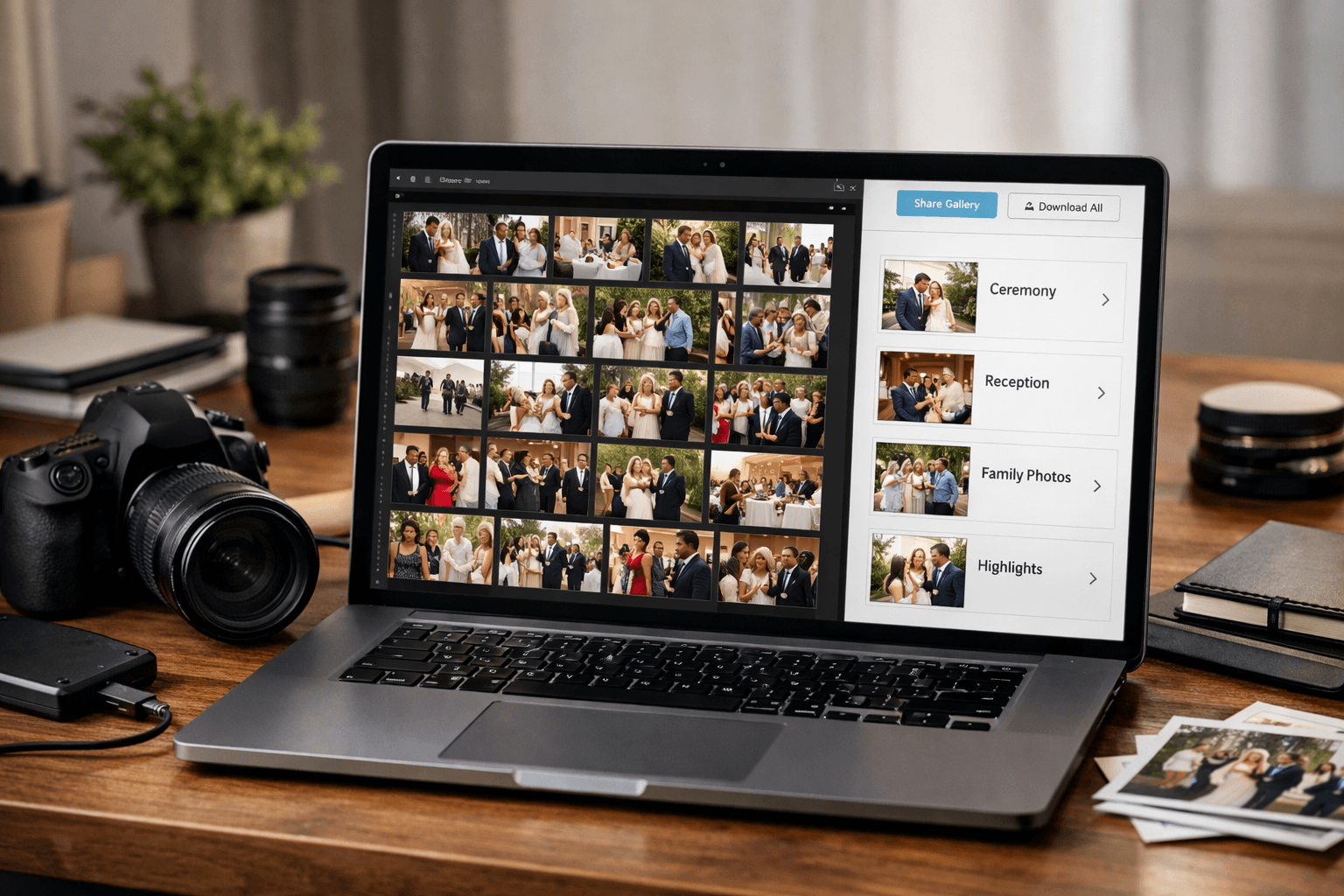
The Photo Delivery Bottleneck
You've shot an amazing wedding. 8 hours, 2000+ photos, perfect lighting, emotional moments captured. But now comes the tedious part: organizing and delivering photos to your clients.
Professional wedding photographers report spending 10-20 hours per wedding on post-production, including culling, editing, and organizing photos for delivery.
This guide shares proven strategies to cut your delivery time in half while improving client satisfaction.
The Standard Workflow (And Its Problems)
Most photographers follow this workflow:
- Culling: Select best 300-800 photos from 2000+ shots (3-5 hours)
- Editing: Color correction, exposure, retouching (5-10 hours)
- Organizing: Create folders, tag photos, export (2-3 hours)
- Delivery: Upload to gallery, notify client (1-2 hours)
Total time: 11-20 hours per wedding
The problem? Steps 3 and 4 are mostly manual labor that can be automated.
Strategy 1: Automate Photo Organization
Instead of manually creating folders for "Bride", "Groom", "Family", etc., use AI to organize photos by person automatically.
How It Works:
- Upload edited photos in bulk
- Provide reference photos (bride, groom, key family members)
- AI detects faces and organizes automatically
- Download organized folders
Time saved: 2-3 hours → 10 minutes (18x faster)
Client Benefits:
- Clients receive organized folders (easier to share with family)
- Each family member gets their own collection
- Reduces "where's the photo of X?" questions
Tools:
- PhotoMind: $49.99/month - 6,000 photos, 10 faces, 15 events/month
- Narrative: $5.99/month - Limited features
- Google Photos: Free - No bulk export
Strategy 2: Use Client Galleries with Face Recognition
Modern client gallery platforms now offer built-in face recognition. Clients can search for photos of specific people themselves.
Recommended Platforms:
Pic-Time
- Price: $12-40/month
- Features: Face recognition, auto-albums, e-commerce
- Best for: High-volume photographers
ShootProof
- Price: $10-25/month
- Features: Galleries, contracts, invoicing
- Best for: Full business management
Pixieset
- Price: $8-20/month
- Features: Beautiful galleries, mobile app
- Best for: Design-focused photographers
Strategy 3: Batch Processing with Lightroom Presets
Don't edit photos one-by-one. Use batch processing to apply consistent edits to multiple photos simultaneously.
Workflow:
- Edit 5-10 hero photos manually
- Create custom presets for different lighting conditions (ceremony, reception, outdoor, etc.)
- Apply presets to similar photos in batch
- Fine-tune only photos that need it
Time saved: 5-10 hours → 2-3 hours (3x faster)
Strategy 4: Streamline Culling with AI
AI culling tools analyze your photos for technical quality (focus, exposure, composition) and automatically flag the best shots.
Tools:
Aftershoot (formerly Imagen AI)
- Price: $99/month
- Features: AI culling + AI editing
- Accuracy: 90%+ (learns your style)
- Time saved: 3-5 hours → 30 minutes
FilterPixel
- Price: $0.05 per photo
- Features: AI culling only
- Best for: Occasional use
Strategy 5: Offer Tiered Delivery
Not all clients need 800 photos delivered in 2 weeks. Offer tiered delivery options:
Standard (2-3 weeks)
- 300-500 edited photos
- Online gallery
- Standard pricing
Premium (1 week)
- 500-800 edited photos
- Organized by person (family, friends)
- Faster turnaround
- +$200-500
Rush (48 hours)
- 100 hero shots (highlights)
- Perfect for social media announcements
- +$500-1000
Client benefit: Flexibility based on urgency and budget
Your benefit: Increased revenue + better workload management
Strategy 6: Pre-Event Prep
Save time on the day-of by preparing in advance:
Before the Wedding:
- Collect reference photos: Ask clients for photos of key family members (for AI organization)
- Create shot list: Must-have photos to reduce decision fatigue during culling
- Set up gallery template: Pre-create online gallery with client details
- Prepare Lightroom catalog: Import settings, presets ready
Time saved on delivery: 1-2 hours
Strategy 7: Communicate Realistic Timelines
Set client expectations upfront to reduce "where are my photos?" emails.
In Your Contract:
- Sneak peeks: 5-10 photos within 48 hours
- Full gallery: 2-3 weeks (or 1 week for premium)
- Rush option: Available for additional fee
Post-Wedding:
- Send sneak peeks immediately (clients share on social = free marketing)
- Weekly update emails ("Your photos are 50% complete!")
- Gallery link delivered via email + text
Complete Optimized Workflow
Here's a streamlined workflow that saves 10+ hours per wedding:
Day 1 (30 minutes):
- Import photos to Lightroom
- Backup to external drive + cloud
- Quick cull for sneak peeks (10 hero shots)
- Send sneak peeks to client
Day 2-7 (4-6 hours):
- AI culling (30 minutes) - Aftershoot
- Manual review of AI selections (1 hour)
- Batch editing with presets (2-3 hours)
- Fine-tune hero shots (1-2 hours)
Day 8 (30 minutes):
- AI organization by person (10 minutes) - PhotoMind
- Upload to client gallery (20 minutes)
- Send delivery email
Total time: 5-7 hours (vs. 11-20 hours traditional workflow)
ROI Calculation
Let's calculate the value of saving 10 hours per wedding:
Scenario: You shoot 2 weddings/month
- Time saved: 10 hours x 2 = 20 hours/month
- Your hourly rate: $50-100/hour
- Value: $1,000-2,000/month
Use that time to:
- Shoot 1 more wedding → +$2,000-5,000/month revenue
- Focus on marketing → More bookings
- Rest and avoid burnout → Better quality work
Cost of automation tools:
- Aftershoot: $99/month
- PhotoMind: $49.99/month
- Pic-Time: $40/month
- Total: $189/month
ROI: $1,000-2,000 value gained for $189 investment = 5-10x return
Conclusion
Automating your post-wedding workflow can save 10+ hours per event while improving client satisfaction with faster, more organized delivery.
Key Takeaways:
- Use AI culling to reduce culling time by 80%
- Automate organization by person with face recognition
- Batch edit with Lightroom presets (3x faster)
- Offer tiered delivery options for premium pricing
- Set realistic timelines and communicate proactively
The photographers who thrive aren't necessarily the best at shooting - they're the best at running an efficient business.
Try PhotoMind Free
Organize your event photos by person in 10 minutes. Free tier: 100 photos, 3 reference faces. No credit card required.
Get Started FreeRelated Articles
How to Organize Wedding Photos by Person in 2026
Face Recognition Software: Privacy & Security Best Practices
Best AI Photo Organizer Tools in 2026: Complete Comparison
How to Share Wedding Photos with Guests: Complete Guide
How to Organize Family Reunion Photos by Person
Bulk Photo Sorting: 5 Ways to Organize Hundreds of Photos Fast
Google Photos Face Recognition: Limitations & Better Alternatives
How to Organize Thousands of Photos Automatically
Best Way to Sort Photos on iPhone: Albums, Faces & AI
How to Find and Remove Duplicate Photos Automatically
How to Tag and Search Photos with AI: Text Search, Face Tags & More
How to Organize Family Photos Digitally (Before They're Lost)
How Professional Photographers Manage Large Photo Libraries
Best AI Photo Management Software: Stop Wasting Time Searching
Found this helpful? Read more articles