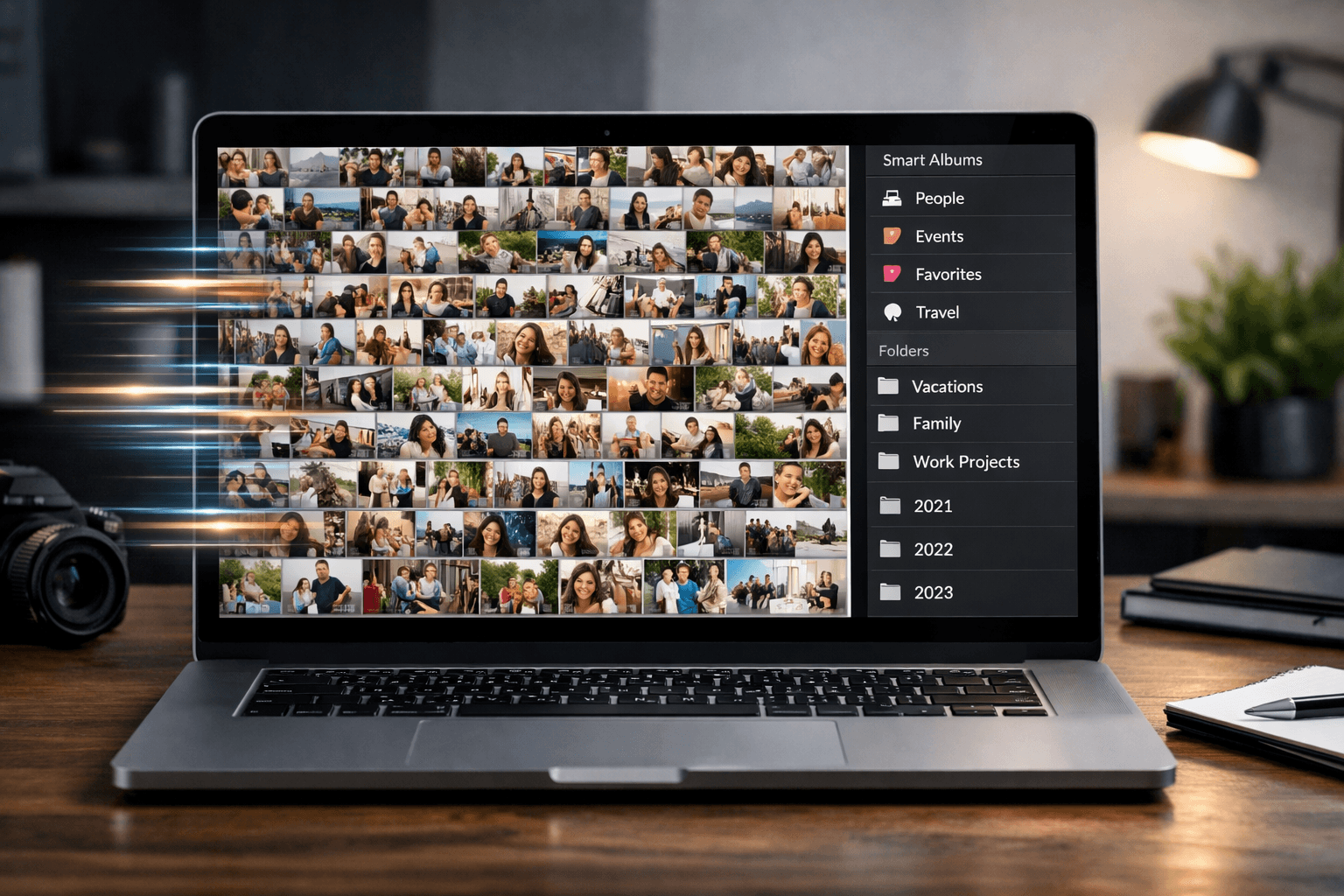
Whether it's 300 wedding photos, 500 vacation shots, or years of unsorted camera roll backups, bulk photo sorting is one of those tasks everyone puts off. Here are 5 methods ranked by speed and effectiveness.
Why Bulk Photo Sorting Matters
The average person takes over 2,000 photos per year. Without a system, these photos pile up into an unsearchable mess. Important memories get buried, duplicates waste storage, and finding a specific photo becomes a needle-in-a-haystack problem.
Bulk sorting isn't just about tidiness. It's about:
- Finding photos when you need them (not scrolling for 20 minutes)
- Sharing specific photos easily (organized folders vs. "it's somewhere in my camera roll")
- Freeing up storage by removing duplicates and bad shots
- Preserving memories in a way that's actually usable
Method 1: AI Face Recognition (Fastest for People-Based Sorting)
Speed Rating
10-15 minutes for 300 photos
Best for: Event photos, group photos, any collection where you want to sort by person
AI face recognition is the fastest way to organize photos by person. Upload your photos, provide reference faces, and the AI creates organized folders automatically.
How It Works
- Upload all photos to an AI organizer (like PhotoMind)
- Add reference photos for each person you want to sort by
- AI detects faces and matches them with references
- Download organized ZIP folders per person
Best Tools
- PhotoMind: Free for 100 photos, creates downloadable folders per person
- Google Photos: Auto-groups by face (but no export by person)
- Apple Photos: On-device face grouping (Apple only)
When to Use This Method
- Wedding photos you need to share with different people
- Family events where everyone wants their own photos
- Corporate events with attendee-specific photo needs
Method 2: Date-Based Sorting (Best for General Organization)
Speed Rating
5-10 minutes for any number of photos
Best for: General photo library organization, camera roll cleanup
Every photo has EXIF metadata containing the date and time it was taken. You can use this to automatically organize photos into date-based folders.
How It Works
- Use a tool that reads photo EXIF data
- Automatically creates folders by year, month, or specific date
- Moves or copies photos into the appropriate folders
Best Tools
- Adobe Lightroom: Built-in date organization in the Library module
- digiKam: Free, open-source photo manager with date sorting
- ExifTool: Command-line tool for batch renaming/moving by date
- Hazel (Mac): Automation tool that sorts files by date rules
When to Use This Method
- Organizing years of unsorted camera roll backups
- Creating a chronological photo archive
- First pass before doing person-based sorting
Method 3: Duplicate Removal (Best for Storage Cleanup)
Speed Rating
15-30 minutes for 1,000+ photos
Best for: Cleaning up storage, removing burst shots and near-duplicates
Before organizing, remove duplicates and near-identical shots. This can eliminate 20-40% of your photo library, making subsequent organization much faster.
Types of Duplicates
- Exact duplicates: Same file saved in multiple locations
- Near-duplicates: Burst shots, slightly different angles of the same scene
- Similar photos: Multiple attempts at the same pose or subject
Best Tools
- Gemini (Mac): $19.99 one-time, excellent duplicate detection
- VisiPics (Windows): Free, compares visual similarity
- dupeGuru: Free, cross-platform duplicate finder
- Lightroom: Built-in "Find Duplicates" plugin available
When to Use This Method
- Before any other organization method (clean up first)
- When running low on storage
- After importing photos from multiple sources (likely overlaps)
Method 4: AI Culling (Best for Photographers)
Speed Rating
30-60 minutes for 2,000 photos
Best for: Professional photographers selecting the best shots from large shoots
AI culling tools analyze photos for technical quality (sharpness, exposure, composition, closed eyes, motion blur) and automatically flag the best shots from a large batch.
How It Works
- Import all photos from a shoot
- AI analyzes each photo for quality metrics
- Automatically rates or flags the best shots
- You review the AI's selections and make final picks
Best Tools
- Aftershoot: $11.99-24.99/month, AI culling + editing
- FilterPixel: $0.05/photo, pay-per-use culling
- Photo Mechanic Plus: $139 one-time, fast browsing + culling
When to Use This Method
- Professional photo shoots with 1,000+ raw photos
- Selecting best 300-500 photos from a wedding
- Any situation where quality selection is the bottleneck
Method 5: Manual Folder Organization (Most Control)
Speed Rating
1-10+ hours depending on volume
Best for: Small collections or when you need precise, custom categorization
The traditional approach: create a folder structure and manually sort photos into categories. Slow but gives you complete control.
Recommended Folder Structure
- By event:
2026/Wedding-Sarah-Tom/,2026/Reunion-July/ - By person:
People/Sarah/,People/Tom/ - By category:
Events/,Travel/,Family/
When to Use This Method
- Small collections (under 50 photos)
- Custom categorization that AI can't handle (e.g., by mood, theme, or project)
- When you need 100% accuracy and full control
Which Method to Choose?
| Method | Speed | Best For | Cost |
|---|---|---|---|
| AI Face Recognition | 10-15 min | Sort by person | Free-$49.99/mo |
| Date Sorting | 5-10 min | Chronological archive | Free-$9.99/mo |
| Duplicate Removal | 15-30 min | Storage cleanup | Free-$19.99 |
| AI Culling | 30-60 min | Pro photographers | $11.99-24.99/mo |
| Manual Sorting | 1-10+ hours | Custom categories | Free |
The Best Workflow: Combine Methods
For the most efficient bulk photo sorting, combine methods in this order:
- Remove duplicates first (Method 3) - Clean up the mess before organizing
- Sort by date (Method 2) - Create a chronological structure
- Sort by person (Method 1) - Use AI to create people-based folders for event photos
- Fine-tune manually (Method 5) - Review and adjust as needed
This combined workflow handles any photo collection, from a weekend trip (50 photos) to years of unsorted backups (10,000+ photos).
Conclusion
Bulk photo sorting doesn't have to take all day. The right tool for the right task makes all the difference:
- Sorting by person? Use AI face recognition (10-15 minutes)
- General organization? Sort by date automatically (5-10 minutes)
- Cleanup? Remove duplicates first (15-30 minutes)
- Pro photography? AI culling to select the best shots (30-60 minutes)
Start with the method that solves your most pressing need, and build from there.
Sort Photos by Person in Minutes
Upload photos, add faces, download organized folders. Free for 100 photos.
Try PhotoMind FreeTry PhotoMind Free
Organize your event photos by person in 10 minutes. Free tier: 100 photos, 3 reference faces. No credit card required.
Get Started FreeRelated Articles
How to Organize Wedding Photos by Person in 2026
Face Recognition Software: Privacy & Security Best Practices
Wedding Photographers: How to Deliver Photos Faster to Clients
Best AI Photo Organizer Tools in 2026: Complete Comparison
How to Share Wedding Photos with Guests: Complete Guide
How to Organize Family Reunion Photos by Person
Google Photos Face Recognition: Limitations & Better Alternatives
How to Organize Thousands of Photos Automatically
Best Way to Sort Photos on iPhone: Albums, Faces & AI
How to Find and Remove Duplicate Photos Automatically
How to Tag and Search Photos with AI: Text Search, Face Tags & More
How to Organize Family Photos Digitally (Before They're Lost)
How Professional Photographers Manage Large Photo Libraries
Best AI Photo Management Software: Stop Wasting Time Searching
Found this helpful? Read more articles