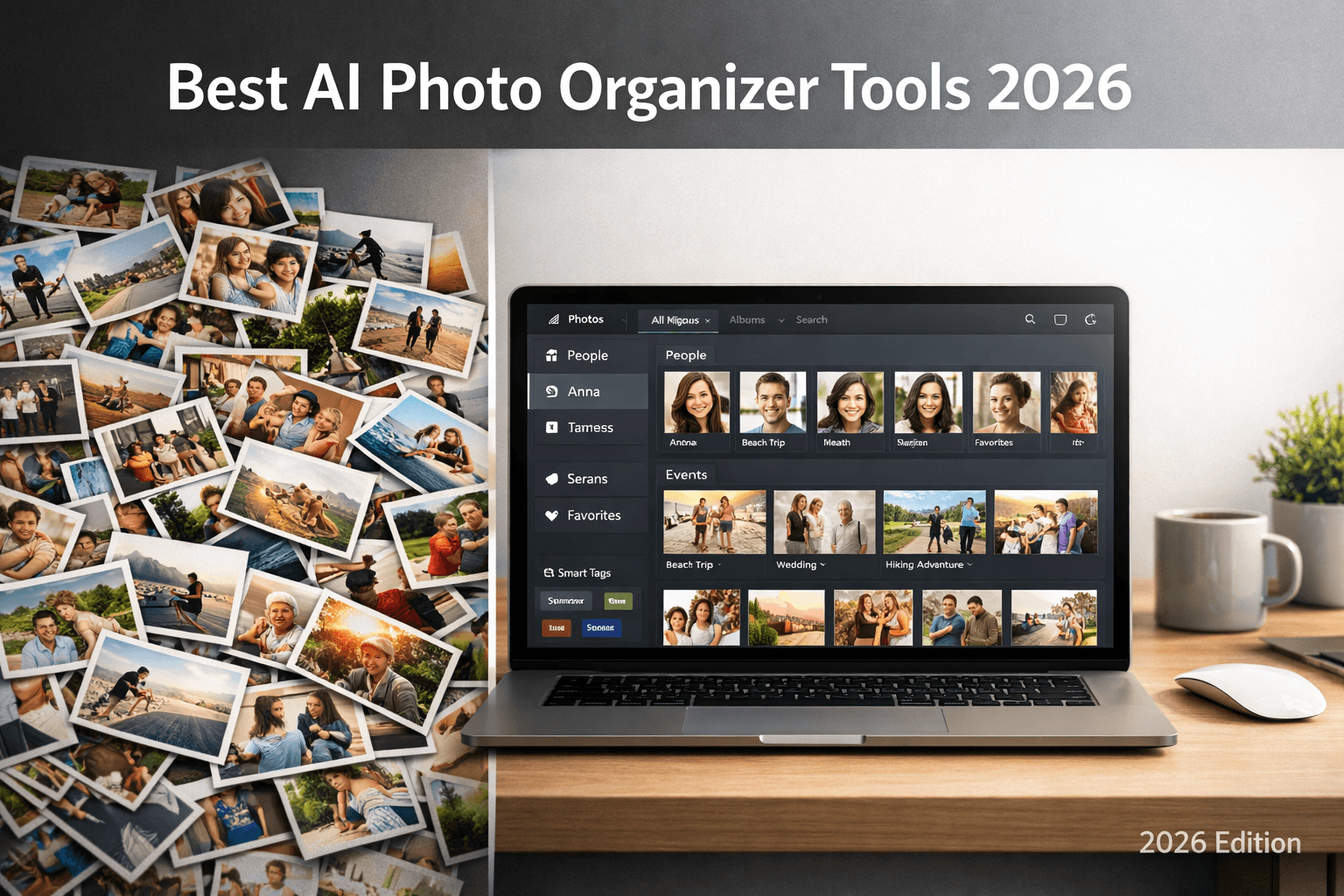
With thousands of photos from every event, manual sorting is no longer practical. AI photo organizers can automatically detect faces, group photos by person, and save you hours. But which tool is best for your needs? We compared the top options.
What Makes a Great AI Photo Organizer?
Before diving into specific tools, here are the key features to evaluate when choosing an AI photo organizer:
- Face recognition accuracy: How reliably does it detect and match faces across photos?
- Batch processing: Can it handle hundreds or thousands of photos at once?
- Export options: Can you download organized folders, or is everything locked in the app?
- Privacy: How long are your photos stored? Is facial data retained?
- Pricing: Free tier availability and value for money on paid plans
- Ease of use: How quickly can a non-technical user get results?
1. PhotoMind
PhotoMind is purpose-built for organizing event photos by person. Upload your photos, provide reference faces, and get organized ZIP folders back in minutes.
Key Features
- AI-powered face detection and matching using AWS Rekognition
- Drag-and-drop bulk upload (up to 6,000 photos on Business plan)
- Downloadable ZIP folders organized per person
- 24-hour auto-delete for privacy (GDPR compliant)
- No software installation required (web-based)
Pricing
- Free: 100 photos, 3 reference faces, 5 jobs total
- Premium: $12.99/month - 2,000 photos/month, 7 faces, 10 jobs
- Business: $49.99/month - 6,000 photos/month, 10 faces, 15 jobs
Best For
Wedding photographers, event organizers, and families who need organized folders per person, ready to share. The free tier is generous enough to try on a small event.
Strengths
Purpose-built for event photos. Fast processing (10-15 min for 300 photos). Privacy-first with 24h auto-delete. Downloadable ZIP folders ready to share with clients or family.
2. Google Photos
Google Photos has built-in face recognition that automatically groups photos by person. It's free and works well for personal photo libraries.
Key Features
- Automatic face grouping (no manual reference photos needed)
- 15GB free storage (with Google account)
- Search photos by person, place, or object
- Available on iOS, Android, and web
Pricing
- Free: 15GB storage
- Google One: From $1.99/month for 100GB
Limitations
- No bulk export organized by person (you can't download a folder per person easily)
- Photos stored indefinitely on Google servers (privacy concerns)
- Face recognition only works within your personal library
- Not designed for sharing organized folders with others
Best for
Personal photo libraries where you want to browse by person. Not ideal for professional photographers or anyone who needs to share organized folders.
3. Adobe Lightroom
Adobe Lightroom Classic includes face recognition as part of its cataloging features. It's designed for professional photographers who already use Adobe's ecosystem.
Key Features
- Face detection and tagging within Lightroom catalog
- Professional editing tools (develop module, presets)
- Local storage (photos stay on your machine)
- Integration with Adobe Creative Cloud
Pricing
- Photography Plan: $9.99/month (includes Lightroom + Photoshop)
Limitations
- Steep learning curve for non-photographers
- Face recognition is basic (manual correction often needed)
- No automatic folder organization by person
- Desktop software required (no web option for face features)
- Designed for cataloging, not for sharing organized folders
4. Apple Photos
Apple Photos on macOS and iOS includes face recognition that groups photos by person automatically. It works locally on-device for better privacy.
Key Features
- On-device face recognition (better privacy)
- Automatic People album creation
- Integration with iCloud Photos
- Available on all Apple devices
Pricing
- Free: Included with macOS/iOS
- iCloud+: From $0.99/month for 50GB
Limitations
- Apple ecosystem only (no Windows or Android)
- No bulk export organized by person
- Face recognition can be slow for large libraries
- No cross-platform sharing of organized folders
5. Amazon Photos
Amazon Photos offers face recognition as part of Amazon Prime. It's a solid option for Prime members who want unlimited photo storage with basic organization.
Key Features
- Unlimited photo storage for Prime members
- Automatic face grouping
- Search by person, place, or thing
- Available on web and mobile
Pricing
- Prime members: Unlimited photos (included with Prime)
- Non-Prime: 5GB free
Limitations
- Requires Amazon Prime subscription for best value
- Face recognition accuracy varies
- No organized folder export by person
- Interface less polished than Google Photos
6. Aftershoot
Aftershoot is an AI tool specifically for professional photographers that combines culling, editing, and basic organization features.
Key Features
- AI culling (removes duplicates, out-of-focus shots)
- AI editing with style learning
- Face detection for grouping
- Lightroom and Capture One integration
Pricing
- Starter: $11.99/month (culling only)
- Pro: $24.99/month (culling + editing)
Limitations
- Focused on culling and editing, not photo delivery
- No organized folder export by person
- Requires desktop software installation
- Higher price point for photography-specific features
Side-by-Side Comparison
| Tool | Face Recognition | Folder Export | Privacy | Free Tier | Best For |
|---|---|---|---|---|---|
| PhotoMind | 80-95% | ZIP per person | 24h delete | 100 photos | Events & pros |
| Google Photos | 85-90% | No | Stored indefinitely | 15GB | Personal library |
| Lightroom | 70-80% | No | Local storage | 7-day trial | Photo editing |
| Apple Photos | 80-90% | No | On-device | Free (Apple) | Apple users |
| Amazon Photos | 75-85% | No | Stored indefinitely | 5GB (non-Prime) | Prime members |
| Aftershoot | 85-90% | No | Local storage | Free trial | Culling & editing |
Which Tool Should You Choose?
The best tool depends on your specific use case:
For Wedding Photographers
Use PhotoMind for organizing and delivering photos by person, combined with Aftershoot for culling and editing. This combo can save 10+ hours per wedding.
For Families & Personal Use
Google Photos or Apple Photos work well for browsing your personal library. If you need organized folders to share (after a reunion, trip, or party), use PhotoMind's free tier.
For Privacy-Conscious Users
PhotoMind (24-hour auto-delete) or Apple Photos (on-device processing) are the most privacy-friendly options. Avoid services that store photos indefinitely.
Conclusion
AI photo organizers have matured significantly in 2026. While general tools like Google Photos and Apple Photos are great for personal libraries, purpose-built tools like PhotoMind solve the specific problem of organizing event photos by person and creating shareable folders.
For most event-related use cases (weddings, reunions, corporate events), the ability to upload bulk photos, match faces, and download organized ZIP folders is the killer feature that general photo apps don't offer.
Start with PhotoMind's free tier (100 photos, no credit card) to see if AI organization fits your workflow.
Try the #1 AI Photo Organizer
Upload photos, add reference faces, download organized folders. Free for 100 photos.
Get Started FreeTry PhotoMind Free
Organize your event photos by person in 10 minutes. Free tier: 100 photos, 3 reference faces. No credit card required.
Get Started FreeRelated Articles
How to Organize Wedding Photos by Person in 2026
Face Recognition Software: Privacy & Security Best Practices
Wedding Photographers: How to Deliver Photos Faster to Clients
How to Share Wedding Photos with Guests: Complete Guide
How to Organize Family Reunion Photos by Person
Bulk Photo Sorting: 5 Ways to Organize Hundreds of Photos Fast
Google Photos Face Recognition: Limitations & Better Alternatives
How to Organize Thousands of Photos Automatically
Best Way to Sort Photos on iPhone: Albums, Faces & AI
How to Find and Remove Duplicate Photos Automatically
How to Tag and Search Photos with AI: Text Search, Face Tags & More
How to Organize Family Photos Digitally (Before They're Lost)
How Professional Photographers Manage Large Photo Libraries
Best AI Photo Management Software: Stop Wasting Time Searching
Found this helpful? Read more articles